Mouse DPI blog
Measure with confidence.
Practical guides to mouse settings, physical measurement, and sensitivity. Start with the task you want to complete, then keep a repeatable baseline.
Read the DPI testing guide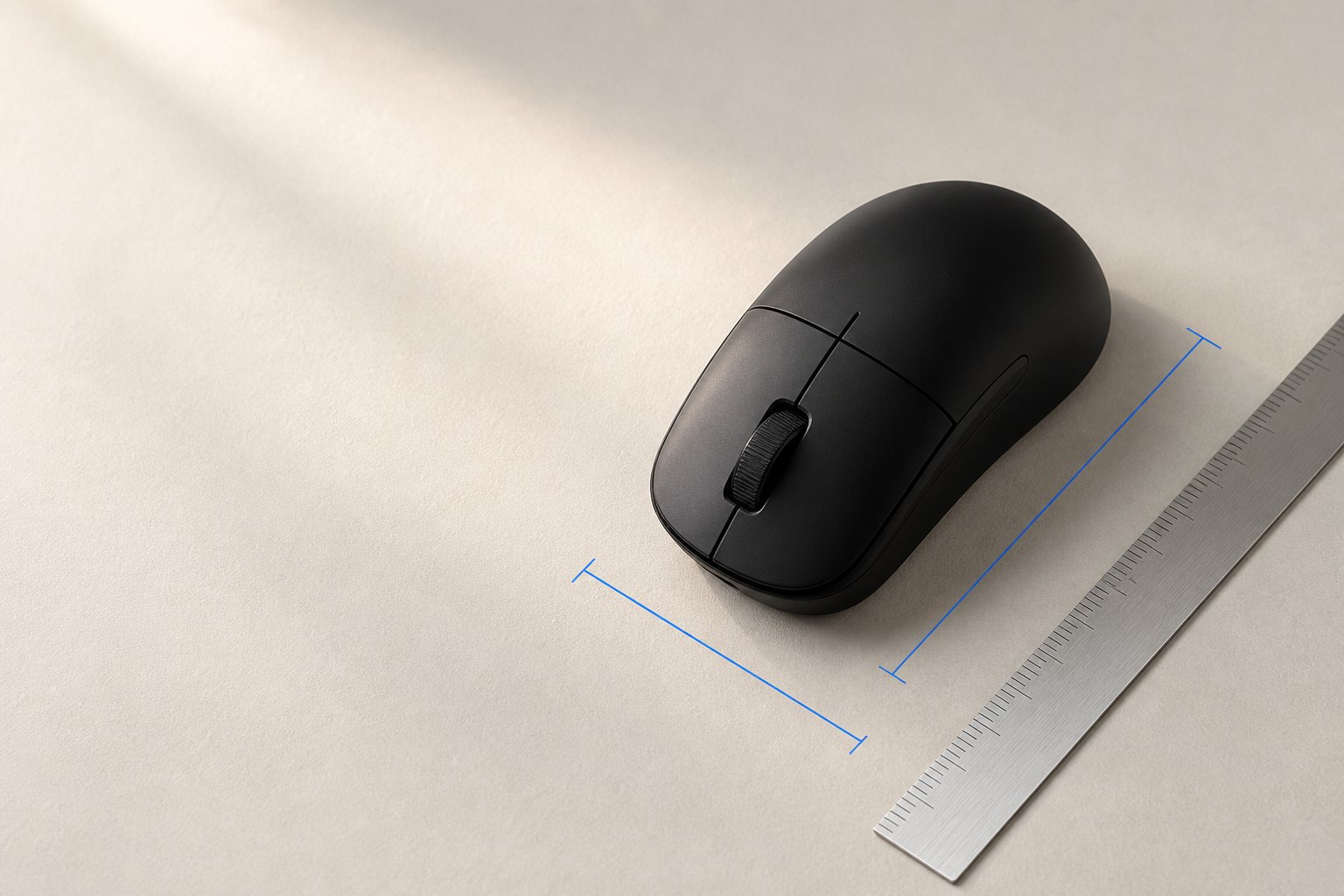
Measure and troubleshoot
How to test mouse DPI
Use a physical ruler and a short one-way drag. Read the cursor estimate and learn which settings affect it.
DPI calibration and ruler tests
Build repeatable runs, record your setup, and distinguish cursor output from raw sensor counts.
How to test polling rate
Read browser-delivered events, compare repeat runs, and understand why the result can differ from the configured rate.
How to check sensor behavior
Separate useful cursor observations from hardware measurements that need a controlled setup.
Troubleshoot changing sensitivity
Check profiles, connections, surfaces, operating-system settings, and game input one layer at a time.
Set up desktop movement
Windows mouse pointer settings
Find pointer controls, record your baseline, and keep desktop movement separate from game input.
macOS mouse tracking speed
Compare tracking speed, hardware DPI, and acceleration without treating them as the same setting.
Test and change acceleration
Compare controlled slow and fast movement and understand what a browser observation can show.
A controlled acceleration check
Follow a settings checklist and compare equal physical distances before changing your baseline.
Mouse DPI for creative work
Compare settings on actual editing tasks, hold application zoom steady, and record a useful baseline.
Build a repeatable game setup
FPS mouse sensitivity setup
Use pad space, physical turns, controlled practice, and actual matches to judge a sensitivity change.
eDPI explained
Calculate DPI × sensitivity, preserve equivalent settings, and keep comparisons within the same game.
Convert mouse sensitivity
Use a conversion as a starting estimate, then verify physical turns, scopes, and field of view inside the game.
Check DPI and saved profiles
Record your configured hardware DPI and verify that a saved profile still behaves as expected.
Use professional player settings
Check the date and source before copying a setting, and adapt it to your game and available pad space.
Use gaming setup calculators
Work through eDPI, field of view, display dimensions, download time, and ideal time-to-kill examples.
Choose and understand your mouse
Choose a gaming mouse
Compare fit, controls, weight, software, and evidence for the exact model before buying.
Mouse sensor specifications
Read model-specific specifications and distinguish advertised capabilities from a browser test result.
Razer Viper DPI settings
Identify your Viper model and follow its DPI and saved-profile setup steps.
Logitech G502 DPI settings
Check your G502 model and follow its DPI and saved-profile setup steps.
Looking for an older reference? The archived mouse DPI guide remains available. Use the focused guides above for current procedures.